Account
Registering and logging in
Creating an account, logging in and out, and the header shown on every page.
Screenshots come from the current frontend running in a headless browser. The server, the chain and the browser wallet were simulated, so addresses and transaction hashes are placeholders. Token amounts were calculated from the pool above, so the numbers agree from page to page.
What to watch for
- Your name is your login. There is no email address. The name must match exactly, including upper and lower case.
- There is no password reset. Choose a password you'll keep (at least 8 characters). If you lose it, contact the team through the contact you registered.
- Sessions last 7 days. After that the app signs you out with a message and you log in again. Anything running on the server, such as a launch, carries on.
The screens
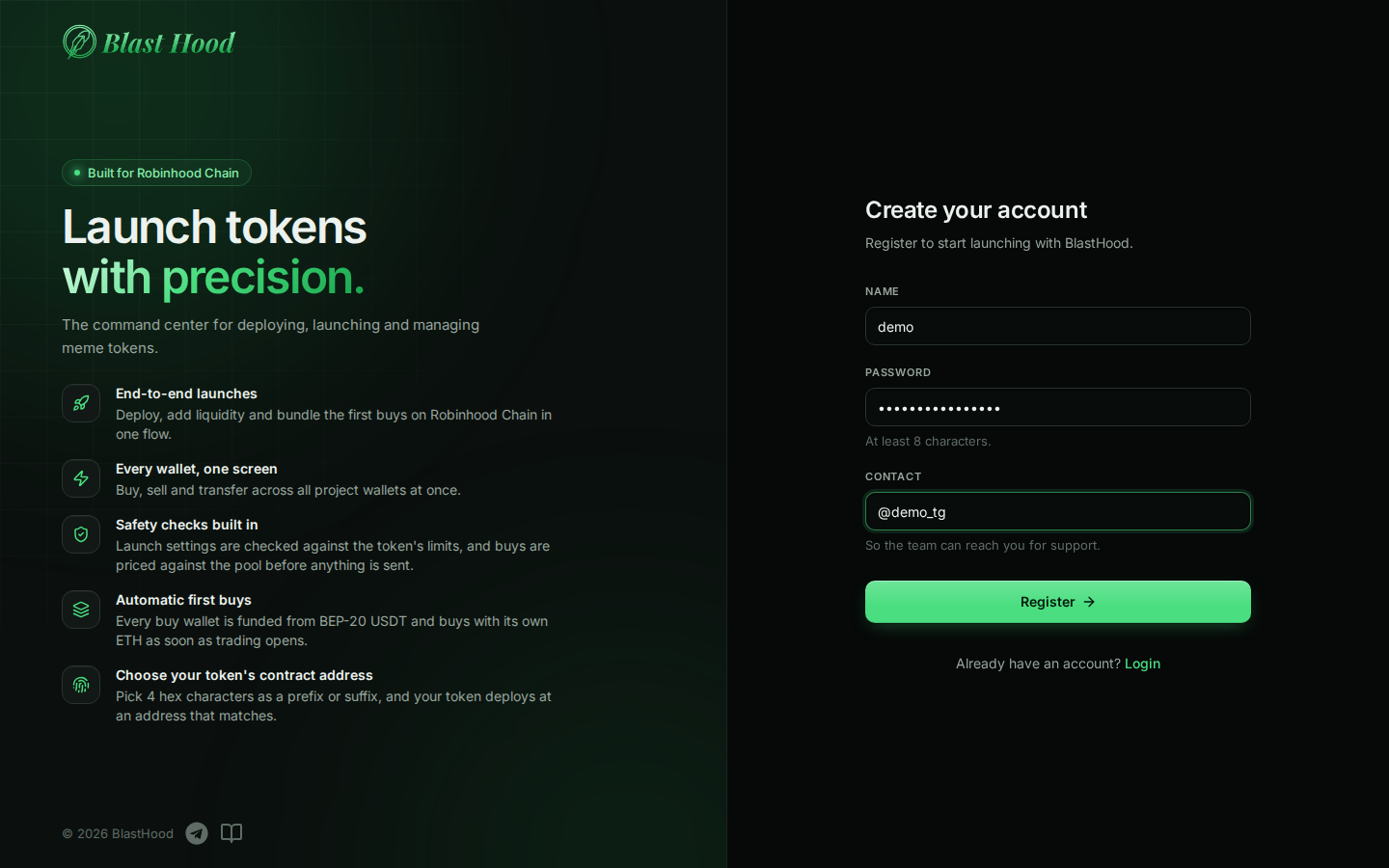
Register
Start hereOpen blasthood.fun/register, or press Register under the login form.
- Name: what you'll log in with. Spaces at either end are removed.
- Password: at least 8 characters.
- Contact: a Telegram, Discord or WhatsApp handle so the team can reach you for support. Only the BlastHood team sees it.
No email verification or approval is needed: you can log in straight away.
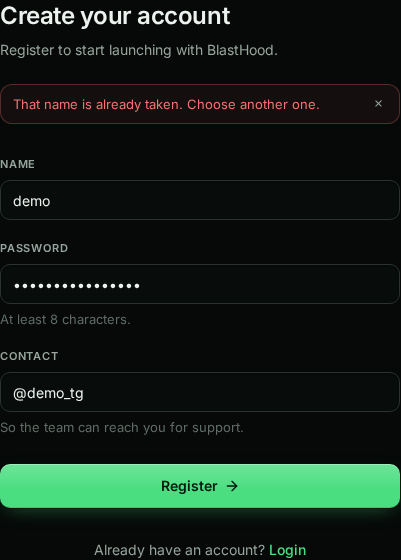
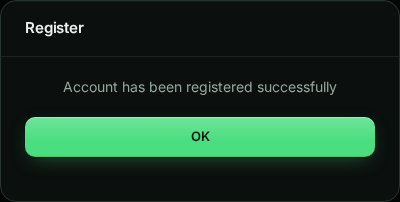
Register: result
A taken name is refused with That name is already taken. On success, OK takes you to the login page.
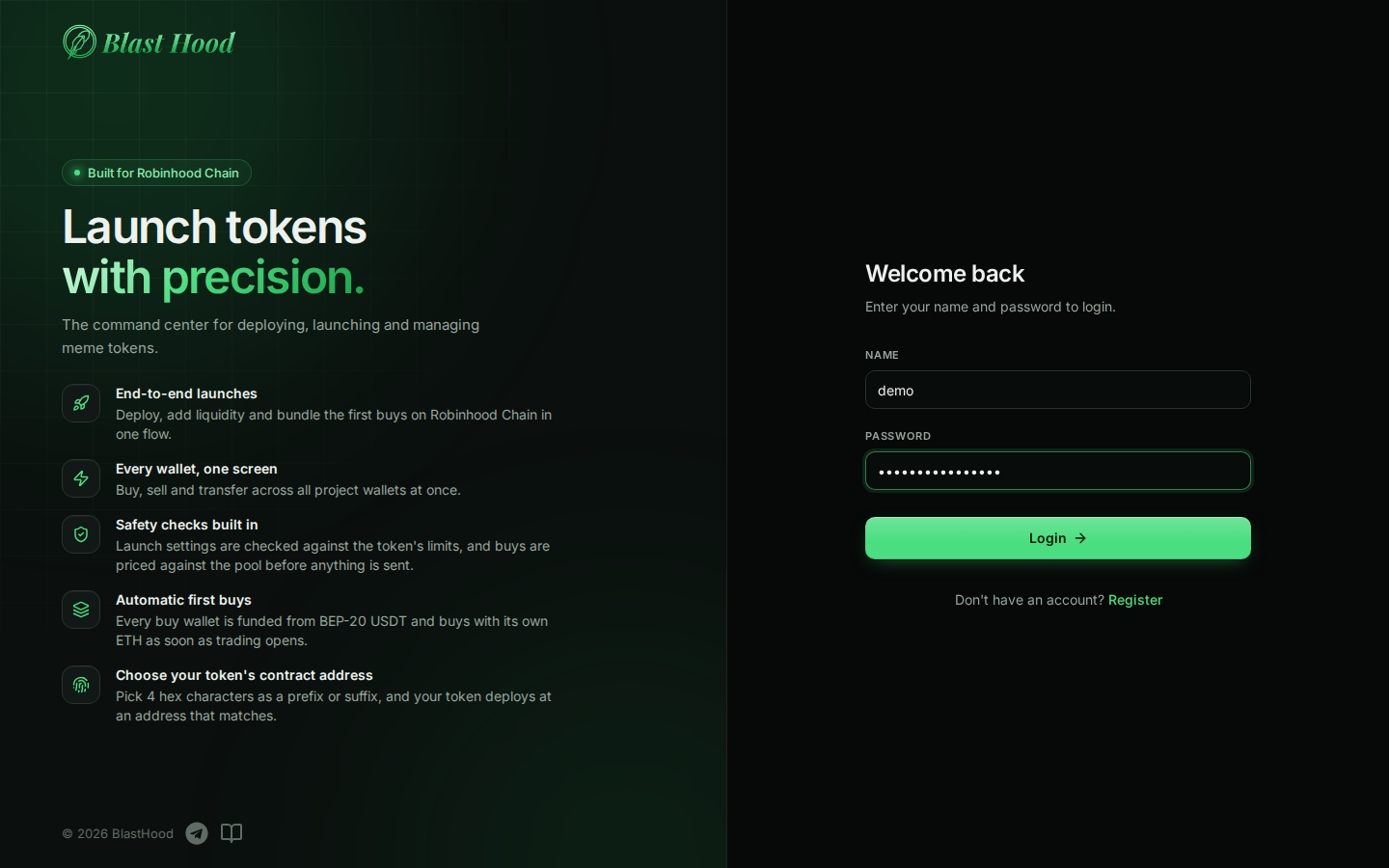
Log in
Open blasthood.fun and enter your name and password. You land on the Dashboard; if you were reloading a page, you return to it.
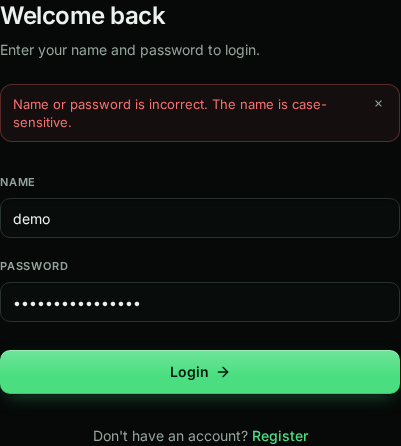
Login errors
Check the name- Name or password is incorrect: the server doesn't say which, for safety. Check the name's capitals.
- Could not reach the server: the service is down or your connection dropped, not your password.
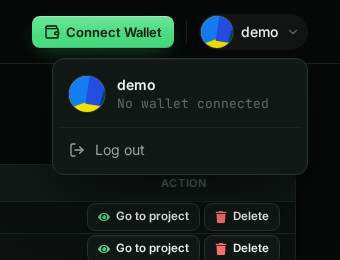
Header, wallet and log out
- Connect Wallet links a browser wallet. You only need one for Liquidity and for paying USDT deposits in one go on RH Launch; everything else is done by the server with the project's wallets.
- The avatar menu shows your name and Log out, which always signs you out of this browser.