Sell · Project
Selling from the launch wallets
Sidebar → Project → Sell. Sells a percentage of the token from chosen buy wallets, each wallet in its own transaction, and gathers the ETH to one address.
Screenshots come from the current frontend running in a headless browser. The server, the chain and the browser wallet were simulated, so addresses and transaction hashes are placeholders. Token amounts were calculated from the pool above, so the numbers agree from page to page.
Selling, step by step
- Tick the wallets to sell from (click, or press and drag down the checkbox column).
- Press Set % Amount and enter a percentage for all ticked wallets, or type one per row in % to sell.
- Press Sell and wait for the result notice.
- To move the proceeds, enter a Target Wallet, tick the wallets and press Collect All ETH.
What to watch for
- Each wallet needs ETH for gas. Wallets sell with their own ETH, and the first sell also sends an approval. A wallet with no ETH is skipped.
- Proceeds stay in each wallet. The ETH from a sale lands in the wallet that sold. Transfer to Target is disabled on Robinhood Chain; use Collect All ETH to gather it.
- There's no slippage limit. Sales accept any price. Sell in parts if the pool is thin.
The page, top to bottom
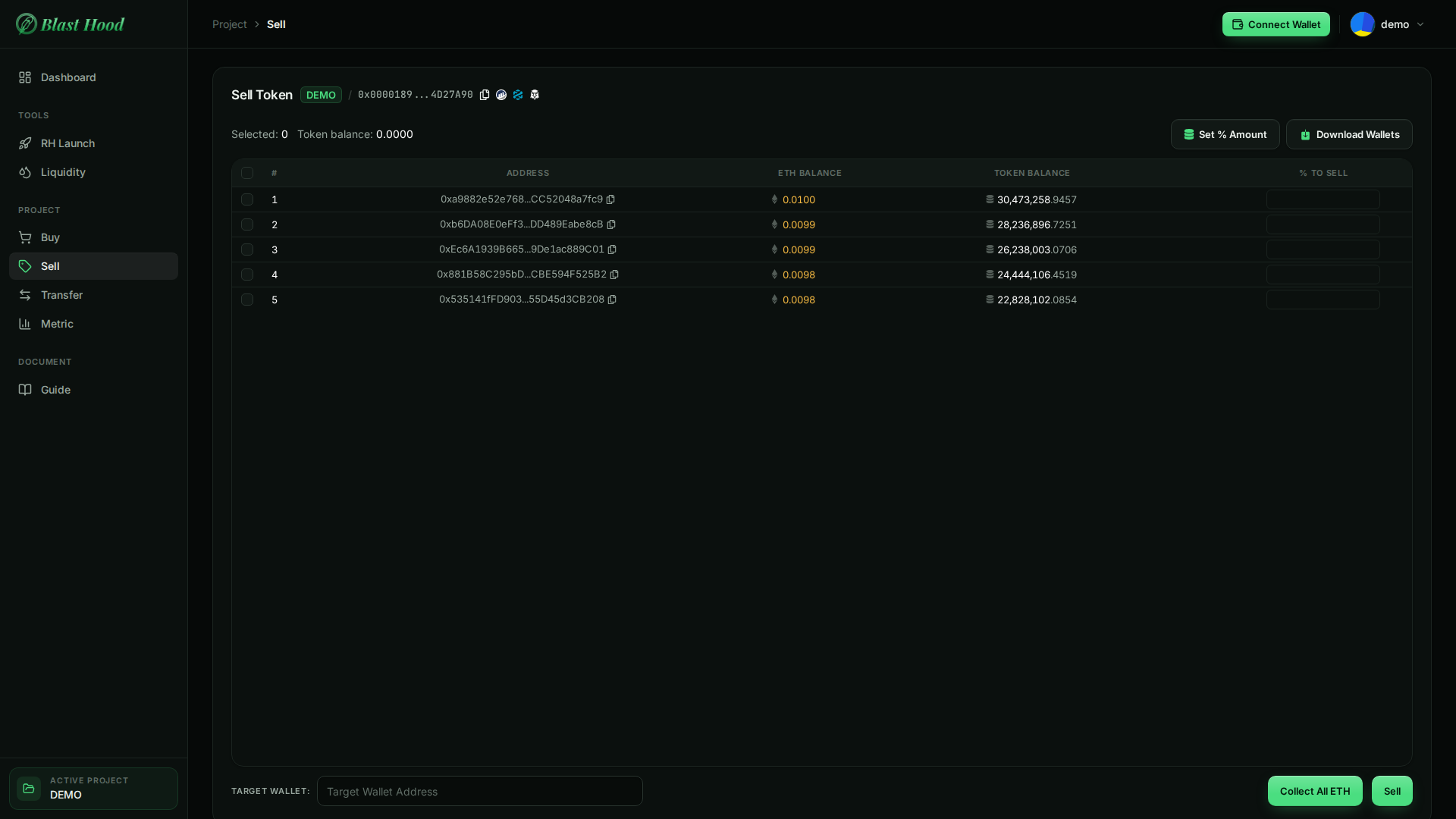
The page
Same wallets and live balances as the Buy page, with a % to sell field per row.
- % to sell must be from 1 to 100; the page tells you which row is wrong.
- Sell is disabled until the project has launched (status
TRADE).
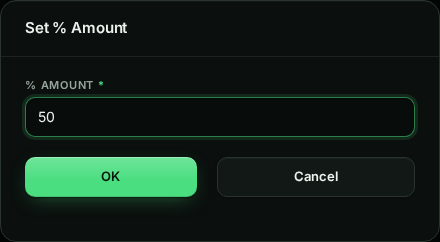

Choosing what to sell
Set % Amount writes one value (1–100) into every ticked row. It needs at least one wallet ticked.
The percentage is of each wallet's current token balance. You can also type a different value per row.
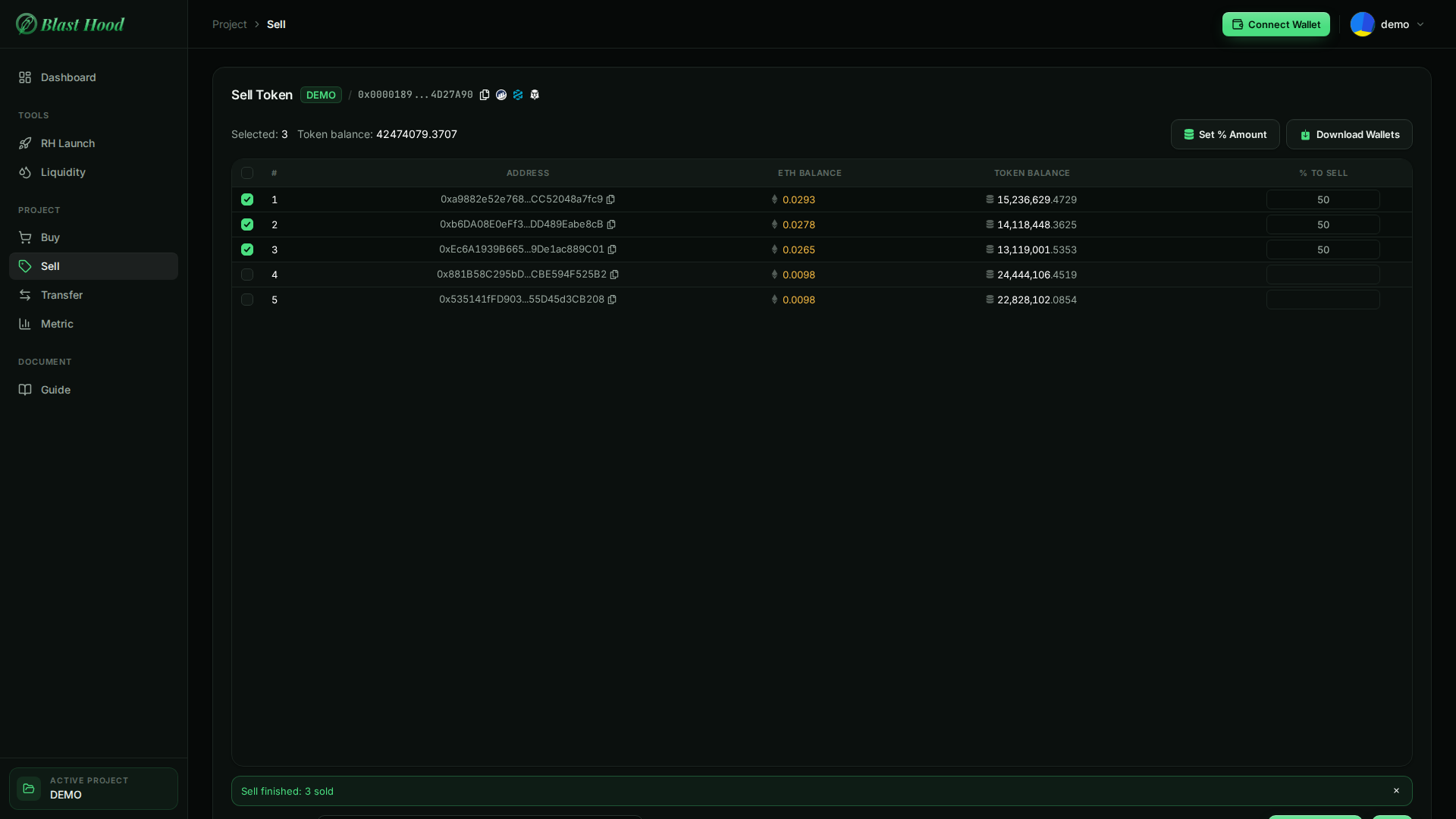
After Sell
DoneToken balances drop and each selling wallet's ETH rises by its proceeds. Sales go through the token's pool and pay out native ETH.
- The notice counts the wallets that sold and names any that were skipped (usually no ETH for gas) or failed.


Collect All ETH
Sends the ETH from every ticked wallet to the Target Wallet. Each wallet keeps enough for its own transfer fee, so a small dust balance remains.
Remember the wallets need some ETH left if you want to sell or transfer from them again.